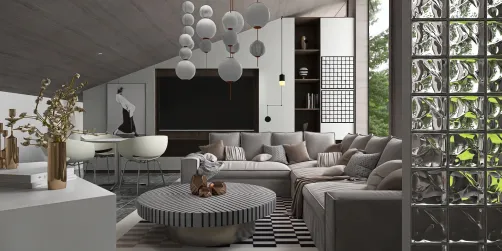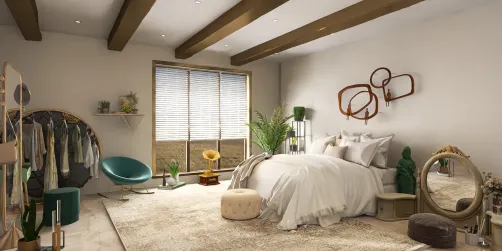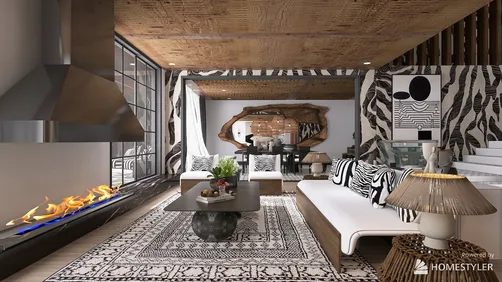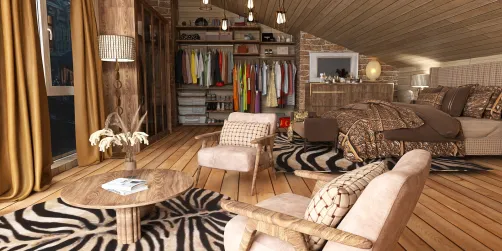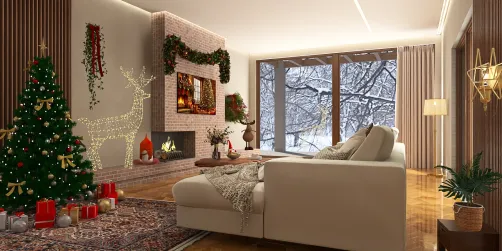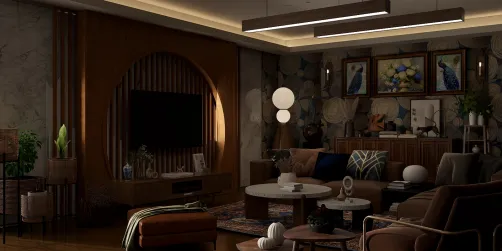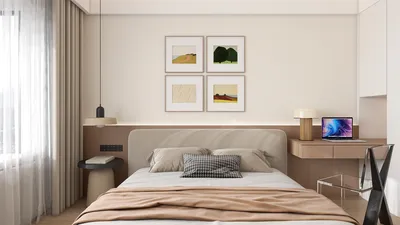
When utilizing Vray in SketchUp for architectural visualizations, it's not uncommon to encounter issues with unclear skies, negatively impacting your overall presentation. To create stunning outdoor scenes, paying attention to sky settings is crucial. Here are some effective tips to enhance the sky clarity in your Vray renders while considering the versatile capabilities of Homestyler for design enhancements.
1. Fine-Tune Vray Sky Settings
The first action should be to properly configure your Vray Sky settings. Launch the Vray Asset Editor and go to the Environment tab. Here, you can modify parameters like Intensity and Color. Lowering the intensity can produce a softer effect, while increasing it may enhance the sky's clarity and depth.
2. Incorporate HDRI Images
Integrating High Dynamic Range Images (HDRI) is a game-changer for achieving a realistic sky. HDRI images boast a wide spectrum of color and lighting information, significantly enriching the atmosphere in your render, reminiscent of what Homestyler offers in its expansive design tools.
3. Optimize Your Lighting Conditions
It's vital to set your lighting conditions correctly. Adjust the sun angle to reflect the desired time of day. A well-positioned sun can result in clearer shadows and amplify the vibrancy of your sky, adding a dynamic feel to your designs.
4. Utilize Post-Processing Techniques
After rendering, consider enhancing your sky with post-processing software like Photoshop. Increasing contrast, leveling adjustments, and adding effects can further improve the sky's vibrancy, highlighting the quality of your architectural design, much like the intuitive adjustments available in Homestyler.
5. Tweak Your Render Settings
The settings you choose for rendering greatly affect the final output quality. Make sure your resolution is sufficiently high to capture intricate sky details. Moreover, enabling anti-aliasing can smooth out jagged edges, hence improving the overall clarity of your scene.
FAQ
Q: Why does my sky appear dull in the render? A: This could be attributed to low intensity settings or suboptimal lighting conditions. Adjust these aspects in the Vray Asset Editor for better results.
Q: Is it possible to use my custom sky images? A: Absolutely! You can import your own images as backgrounds; just ensure they are high resolution to preserve the visual quality.
Welcome to the leading Home Design Software available—explore the dynamic features of Homestyler to elevate your design projects!