| First priority | Good first move | Watch out for |
|---|---|---|
| Neck or back discomfort | Adjust chair height and screen position | Buying decorative lights before fixing ergonomics |
| Cable clutter | Add clips, a cable tray, or a power strip mount | Pinching cords under furniture |
| Screen glare | Reposition the desk or add a shaded lamp | Bright lights directly behind the screen |
| Small room | Use vertical shelves and a compact desk | Blocking drawers, doors, or vents |
A great gaming room setup is less about buying every glowing accessory and more about making the space comfortable, organized, and right for the way you play. A focused desk, a chair that fits, and lighting that does not glare at your screen can beat a pile of expensive extras.
These 20 gaming room setup ideas are grouped by budget, from a near-free reset to a full-room upgrade. The prices are planning ranges in U.S. dollars, not quotes; they assume you already own your gaming system or PC. Start with the problem you notice most: clutter, discomfort, poor lighting, or a room that feels unfinished. Then spend there first.
Before You Spend: Pick the Upgrade That Matters
Take a quick inventory before shopping. Measure the wall and desk area, note where outlets sit, and check whether your chair can move without hitting a bed or door. If you game on a TV, include the viewing distance and console storage in your plan. For a PC setup, leave room for airflow around the tower and enough desk depth to keep the monitor at a comfortable distance.
I like to divide the budget into three buckets: comfort, function, and atmosphere. Comfort means a supportive seat and a usable desk height. Function covers storage, cable management, and lighting that helps you see without reflecting in the screen. Atmosphere is the fun part: color, wall art, and accent lights. It is tempting to start with atmosphere because it photographs well, but a beautiful setup with a wobbly chair gets old fast.
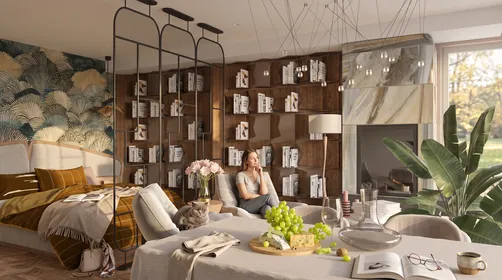
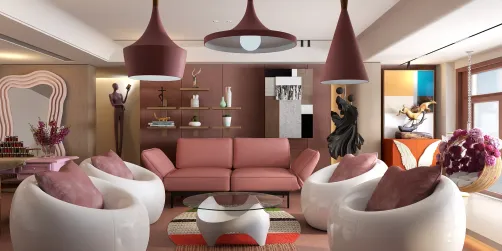
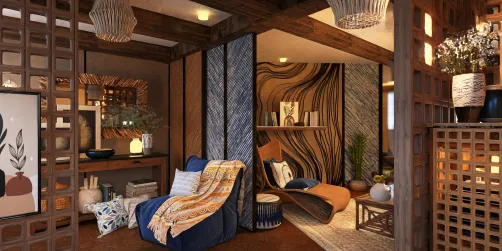
For a rental or shared bedroom, favor removable hooks, freestanding shelves, and lighting that does not require drilling. A gaming room setup can look intentional without permanent changes. The first image shows the kind of modest, tidy foundation that works in a small apartment: one desk, a clear surface, and warm light rather than a wall of gear.


20 Gaming Room Setup Ideas, From $0 to $5,000+
The ranges below cover furniture, lighting, and room accessories, not the gaming PC, console, or display. You can mix ideas across tiers; the point is to choose a sensible next step, not to spend your way through every level.
- $0 — Reset the layout. Move the desk so the screen is not facing a bright window, clear the floor, and group accessories by use. Difficulty: easy. Time: 30–60 minutes.
- $10–$25 — Tame visible cables. Use reusable hook-and-loop ties and adhesive cable clips. Keep power and data cords loosely organized, not tightly bent. Difficulty: easy. Time: about 30 minutes.
- $15–$35 — Add a desk mat. A large plain mat gives the keyboard and mouse a defined zone and softens a hard desktop. Measure first so it does not crowd the edge. Difficulty: easy. Time: 10 minutes.
- $20–$40 — Improve task lighting. A small adjustable lamp aimed at the desk can help with notes and controllers. Choose a shaded light source and keep it out of the screen’s reflection. Difficulty: easy. Time: 15 minutes.
- $25–$50 — Make a wall-art focal point. Frame a few prints or hang a fabric panel behind the desk. Keep the palette limited to two or three colors so the wall does not compete with the display. Difficulty: easy. Time: 1–2 hours.
- $30–$60 — Add a headphone and controller station. A freestanding stand or removable hook keeps frequently used gear off the desk. Difficulty: easy. Time: 15 minutes.
- $40–$80 — Build a simple storage zone. Use a small shelf or drawer unit for controllers, cables, and games. Labeling is optional; matching bins can keep the look calm. Difficulty: easy. Time: 30–60 minutes.
- $50–$100 — Add indirect accent lighting. Place a dimmable LED strip behind a desk or shelf, not directly in your line of sight. Warm white or a single muted color is easier to live with than constant color cycling. Difficulty: easy. Time: 30 minutes.
- $60–$120 — Refresh a secondhand desk. A sturdy used desk can be cleaned, tightened, and paired with a new mat. Check its depth and stability before bringing it home. Difficulty: moderate. Time: 1–2 hours.
- $75–$150 — Create a compact console corner. Add a narrow media stand, a basket for controllers, and a lamp. Leave open space around the console for ventilation. Difficulty: easy. Time: 1 hour.
- $100–$200 — Upgrade the chair basics. Look for adjustable height, a stable base, and a seat that fits your body. A well-kept office chair can be a better buy than a flashy gaming chair. Difficulty: moderate. Time: 1–2 hours to compare and assemble.
- $125–$250 — Add a monitor arm or riser. This can free desk space and help position the screen, but confirm that the desk can support the mount. Difficulty: moderate. Time: 30–60 minutes.
- $150–$300 — Set up a small-room workstation. Choose a compact desk, vertical storage, and a chair that tucks in fully. Keep the walkway clear; a room feels larger when the floor is visible. Difficulty: moderate. Time: half a day.
- $200–$400 — Improve the sound zone. Add soft furnishings such as curtains or a rug to reduce the room’s hard, echoing feel. This is not soundproofing, but it can make the space more comfortable. Difficulty: easy. Time: 1–2 hours.
- $250–$500 — Build a clean dual-monitor desk. Budget for a deeper desk, a stable stand or compatible arms, and cable routing. Keep the primary screen centered rather than splitting your posture between displays. Difficulty: moderate. Time: half a day.
- $300–$600 — Make a shared bedroom setup work. Use a desk that doubles as a study surface, closed storage for gear, and a lamp with a focused beam. A neutral base lets the room serve more than one purpose. Difficulty: moderate. Time: half a day.
- $400–$800 — Create a cozy console lounge. Pair a comfortable chair or compact loveseat with a side table and a TV at a sensible viewing height. Keep the controller charging spot within reach. Difficulty: moderate. Time: half a day.
- $600–$1,200 — Upgrade the whole desk zone. Combine a sturdy desk, supportive chair, monitor positioning, task light, and concealed cable storage. Buy the pieces that solve real problems before adding decorative extras. Difficulty: moderate. Time: one day.
- $1,000–$2,500 — Finish a dedicated gaming room. Add coordinated storage, layered lighting, a rug, wall treatment, and a separate lounge or streaming corner if space allows. Plan outlets and circulation before choosing furniture. Difficulty: advanced. Time: a weekend or more.
- $2,500–$5,000+ — Plan a full-room renovation. Custom cabinetry, built-in desks, acoustic treatment, and electrical work can push costs up quickly. Get measurements and professional advice for any wiring or construction. Difficulty: advanced. Time: several days to weeks.
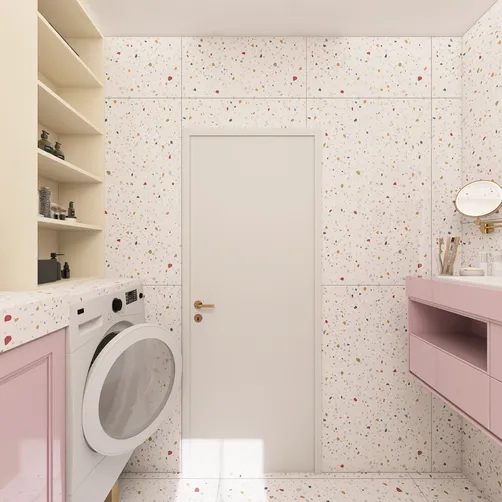
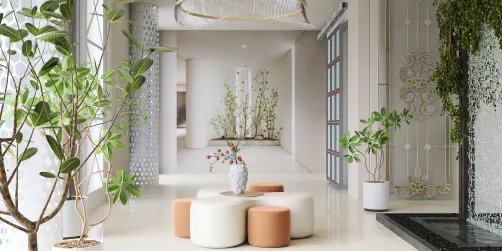
The most useful budget gaming room setup is often a combination of the first few tiers: clear the layout, fix the cables, improve the light, and make the seat comfortable. The close-up below shows a practical desk refresh with simple accessories rather than a shopping list of branded gear.


Match the Look to Your Room, Not a Trend
A setup should feel like it belongs in the room, especially if your gaming space shares a bedroom or living area. Pick one anchor: the desk, a rug, or a wall color. Then repeat its tones in smaller details. Black equipment can feel less stark beside warm wood; white furniture can look more grounded with a darker mat or a few natural textures.
| Style direction | Palette and materials | Best fit |
|---|---|---|
| Warm and cozy | Wood, cream, amber light, soft textiles | Shared rooms and console corners |
| Dark and focused | Charcoal, black, restrained accent lighting | Dedicated PC desks |
| Bright and minimal | White, pale wood, daylight, hidden storage | Small rooms and multipurpose spaces |
| Colorful but controlled | Neutral base with one accent color | Players who want personality without visual clutter |
Lighting deserves a little restraint. A bright strip aimed at your eyes can be distracting, and a screen reflecting a window is no fun. Put accent lighting behind furniture or along a shelf, then use a separate lamp for practical tasks. If you want a more immersive look, keep the room’s ambient light low but not pitch black; a little background light can make the screen feel less harsh.
Before buying a large desk or shelving unit, sketch the footprint on the floor with painter’s tape. You can also preview furniture scale and color combinations in Homestyler before committing to a layout. It is a useful way to catch the “that desk is bigger than it looked online” problem while the room is still empty.


Small-Room Fixes and Common Mistakes
A small gaming room setup needs clear paths more than it needs more furniture. Measure the desk depth, chair pullback, and door swing. If the chair blocks a closet or the desk crowds a bed, the setup will feel cramped even if every item is attractive. Wall shelves can help, but keep heavy items securely mounted and avoid placing them where they could fall onto a screen or seating area.
A few mistakes are easy to avoid:
- Buying a desk before measuring the room. Check width, depth, and the route through the doorway.
- Putting lights where they reflect in the screen. Test the setup at night and during daylight.
- Hiding a console or PC in a closed cabinet. Leave room for airflow and access to ports.
- Using every color at once. Choose one accent color and let the rest of the room support it.
- Ignoring the chair. If you sit for long sessions, comfort is not a decorative extra.
- Mounting permanent hardware in a rental without checking first. Freestanding storage and removable solutions are safer starting points.
For cable cleanup, unplug equipment before rearranging it, keep cords away from chair wheels, and avoid overloading a power strip. If you need new outlets or electrical work, ask a qualified professional rather than improvising. When a setup changes, take a quick photo of the cable connections before disconnecting everything; it saves a surprising amount of guesswork.
Start With One Upgrade
You do not need to finish all 20 ideas at once. Pick the one change that will make your next gaming session better: a clearer desk, a more comfortable seat, less glare, or a place to put the controllers. Set a spending limit before browsing, and leave a little room for the small things that make a setup usable, such as cable clips or a lamp.
Built on technology originally developed at Autodesk, Homestyler empowers anyone to design beautiful, realistic spaces in minutes. Join over 20+ million registered users (platform data, 2026) who have already discovered a smarter way to plan, visualize, and bring their dream homes to life — all from the comfort of a browser.
My preference is to get the layout and comfort right first, then add the visual details. That order keeps a gaming room setup from becoming a collection of accessories that look good in a photo but get in the way. If you are planning a larger change, sketch the room and test furniture placement in Homestyler before you buy. A few minutes spent checking scale can save you from hauling home a desk that leaves no room to move.
Дизайн сейчас бесплатно