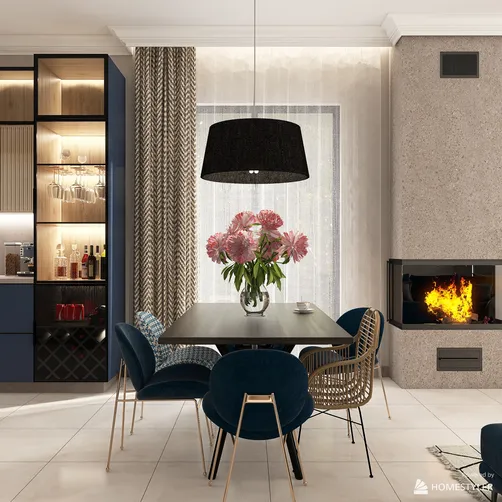
Designing an exceptional living space requires the right tools, and leveraging powerful software can truly elevate your project. Homestyler is an outstanding option that allows users to effortlessly create visually striking floor plans. Whether you're a professional designer or embarking on a DIY journey, this platform offers the versatility needed to bring your concepts to life in a 3D setting. Let's explore how to craft a sample floor plan and discover tips that can enhance your overall design experience.
Creating a Floor Plan with Homestyler
To begin your design journey, launch the Homestyler platform and select 'New Project'. You can opt for a pre-existing template that aligns with your vision or initiate your design from the ground up. The software makes wall drawing, room allocation, and adding measurements a breeze, ensuring your layout is both practical and appealing. Be sure to delve into the array of tools that allow for customization of your floor plan.
Design Tips for a Captivating Floor Plan
As you work on your floor plan, think about integrating open areas and maximizing natural light to foster a welcoming vibe. Utilizing a soft neutral color scheme punctuated with strategic pops of color can create a serene and spacious feel. Additionally, play around with different textures and materials to add richness and character to your design. For some creative inspiration, consider exploring the Homestyler community, which offers a plethora of innovative ideas.
FAQ
What are the key tools in Homestyler? The key tools include wall drawing, room designation, and dimensioning features that assist in developing intricate floor plans.
Welcome to Utilize Your Free 3D Floor Planner
Discover the joy of home design with Homestyler! This user-friendly online platform offers a powerful design tool, stunning 3D renderings, and a wealth of inspiring design projects and video tutorials. Transform your home effortlessly and unleash your creativity today!