Creating a plan view with Homestyler can significantly enhance how you envision your space. Whether you are designing for personal aspirations or engaging in a professional endeavor, mastering this software can improve your design journey. In this article, we will examine the steps to produce an effective plan view and provide tips for optimizing the use of Homestyler's functionalities.
Grasping the Fundamentals of Homestyler
Homestyler enables the creation of detailed floor plans while allowing you to visualize them in three dimensions. Begin by choosing the appropriate templates and tools that cater to your design preferences. Take time to familiarize yourself with the user interface and the range of features available, such as adding walls, windows, and furniture to your layout.
Steps for Crafting a Plan View
1. Launch Homestyler and select the option to initiate a new project. Set the dimensions for your space according to your specific design needs. 2. Utilize the wall tool to outline your room configuration. Be sure to adjust the height and thickness to offer a realistic portrayal of your design. 3. Incorporate doors and windows into your layout. This step is vital as it influences the overall flow and usability of your area.
Elevating Your Design with Details
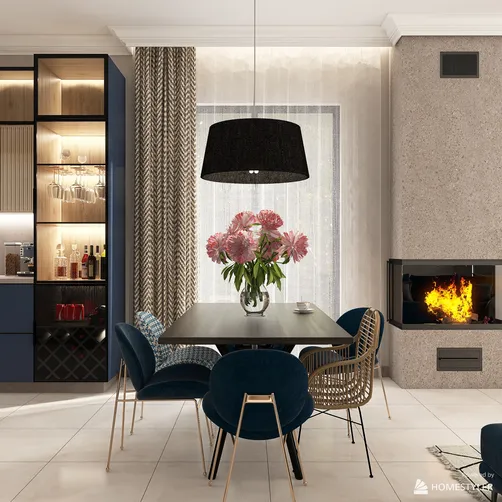
To bring your plan view to life, think about adding textures and colors. A soothing, neutral color scheme with splashes of blue can create an airy and tranquil atmosphere. Be sure to include furniture and decorative elements to visualize how the space will function. This not only enhances visual appeal but also highlights practicality.
Frequently Asked Questions
Have inquiries regarding Homestyler? Here are some common questions: - What features should I prioritize when starting out? - How do I save and export my designs? - Is collaboration with others possible in Homestyler?
Welcome to the Free 3D Floor Planner Experience
Homestyler is your go-to online home design platform, perfect for transforming your ideas into reality. With its user-friendly design tool, stunning 3D renderings, and a wealth of DIY video tutorials, you'll effortlessly create inspiring spaces that reflect your style. Start designing today!