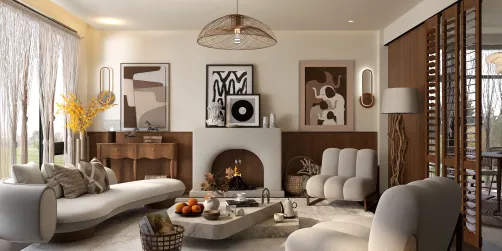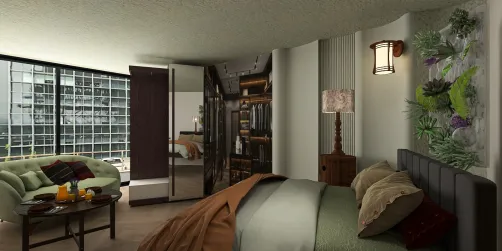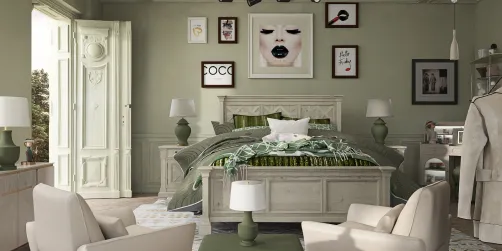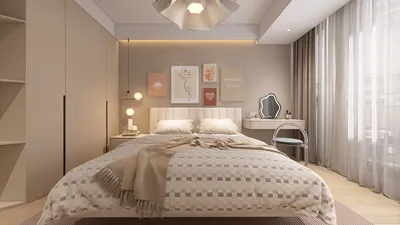
Embarking on the journey of creating a 3D house plan can be a thrilling experience, as it enables you to bring your ideal home to life visually. Whether you aspire to be an architect or are a homeowner eager to spruce up your space, mastering the art of 3D house planning is key. Today’s cutting-edge tools and software empower you to visualize every single aspect of your design, from the overall layout to furnishings and color schemes.
Selecting the Ideal 3D Design Software
To embark on this creative endeavor, it’s critical to choose the right 3D design software. Many applications offer intuitive interfaces that make the design process straightforward. One standout option is Homestyler, which provides a platform to create designs in 2D while also enabling 3D visualization. You can easily adjust walls, insert furniture, and explore material changes to see how they come together harmoniously.
Steps to Crafting Your 3D House Design
After selecting your design tool, follow these steps to develop your 3D house plan:
Start by drawing a basic 2D sketch of your envisioned home. Determine the number of rooms, their sizes, and how they interact spatially with each other. This sketch will act as your foundational guide. Floor planners can assist in shaping this early stage.
With your design software, proceed to establish walls according to your sketch. Incorporate doors and windows, ensuring they are positioned optimally for both light entry and accessibility.
Next, elevate your space by adding furnishings. Include fixtures and decorative elements that resonate with your style. Tools like Homestyler also let you experiment with different textures and colors, providing a lifelike preview of your design.
Adding Finishing Touches and Visualizing Your Space
Once you’ve placed your furniture and decorations, spend time reviewing your design. Most software solutions will allow you to visualize your space in 3D, permitting a virtual walkthrough of your house plan. Make any necessary adjustments to ensure it aligns perfectly with your vision.
Engage and Showcase Your Design
When you feel content with your 3D house plan, think about sharing it with friends or family to gather feedback. Inviting their input can provide you with valuable insights into your design decisions. What aspects of the design process do you enjoy the most? Share your thoughts in the comments!
Frequently Asked Questions
What software options are available for designing a 3D house plan? You have a variety of choices, such as Homestyler, SketchUp, and AutoCAD, each offering distinctive features tailored for various design requirements.
Is learning to use 3D design software challenging? Most 3D design applications are crafted for user-friendliness. With some practice and exploration, navigating these tools to create house plans becomes more manageable.
Welcome to Homestyler!
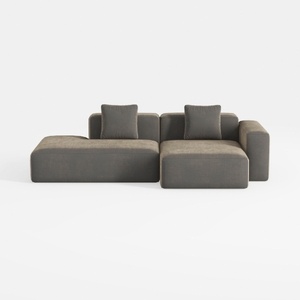

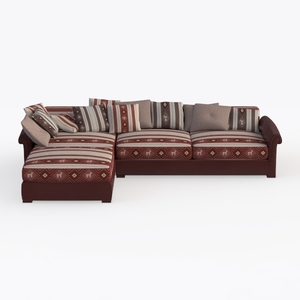
Transform your home design dreams into reality with Homestyler! This user-friendly online platform offers an incredible design tool, stunning 3D renderings, and a wealth of inspiring design projects and video tutorials. Whether you're a seasoned pro or a DIY enthusiast, Homestyler makes designing your space a breeze!