

Designing an impressive 3D bus model necessitates a fusion of creativity and technical prowess, combined with a keen designer's perception of detail and function. Whether you’re just starting out on a personal project or you’re an experienced professional in need of a striking model for your presentations, familiarizing yourself with the workflow and available tools will enhance your efficiency.
The first step is to gather references. This process involves collecting images of buses from various angles, blueprints, and interior layouts. The more comprehensive your reference materials are, the more precise your model will turn out to be. As a designer, I always encourage a clear grasp of geometry and proportions before diving into the modeling phase.
After that, select your 3D modeling software. Options like Blender, which is free and open-source, Autodesk 3ds Max, SketchUp, and Maya are all popular. Each software comes with its own distinct set of tools, yet they all fundamentally operate using vertices, edges, and polygons.
Proceed by crafting the basic shapes that define your model. For a bus, this usually starts with a rectangular block for the body, then progresses to adding cylindrical shapes for wheels and rounded rectangles for windows. Focus on shaping the silhouette first to ensure it represents the typical profile of a bus accurately.
Once you have your basic form, you can advance to detail work—adding elements like doors, headlights, mirrors, grilles, and other distinctive features. Utilize extruding and beveling techniques to achieve these components while maintaining a clean mesh. For the interiors, draft seating and dashboard layouts; this strategy not only makes your model visually engaging but also functionally spatial, akin to my approach when planning living spaces with tools like Homestyler.
The texturing phase is where your model truly comes to life. Carefully unwrap your UV maps, then opt to either hand-paint textures or apply photo references for enhanced realism. Ensure materials such as glass, metal, and plastic authentically mimic real-life properties, which is achievable with most contemporary rendering engines.
To visualize your bus within a setting or to move fluidly between perspectives—especially when presenting to stakeholders—you might consider using a 3D Floor Planner. These platforms offer adaptable spatial configurations and assist in depicting the bus in realistic environments, just as seasoned designers often utilize Homestyler to showcase their concepts.
Lastly, pay careful attention to scene lighting and render your final images. To enhance realism, you may want to add subtle backgrounds and soft shadows, firmly grounding your model in its environment. Such meticulous care transforms your 3D bus from a simple representation to a compelling visual asset.
Tips 1:
When planning your bus's interior layout, adopt the mindset of an interior designer. Reflect on traffic flow, seat dimensions, and inclusivity. Gather insights from modern bus interiors that prioritize comfort and maximize capacity, much like arranging furniture to achieve an aesthetic yet practical living space.
FAQ
Q: Which software is ideal for beginners in 3D vehicle modeling?
A: Blender stands out as a fantastic option for novices—it is free, community-supported, and sufficiently powerful for intricate models.
Q: How can I enhance the realism of my 3D bus model?
A: Concentrate on achieving accurate proportions, employing high-quality textures, and paying attention to finer details such as seams or reflections.
Q: Is a high-performance computer necessary for 3D modeling?
A: Although advanced specs improve rendering speeds, most modeling tasks are manageable on a mid-range computer equipped with a decent graphics card.
Q: What file formats are recommended for my 3D bus design?
A: Standard formats like OBJ, FBX, and STL are widely accepted across various modeling and 3D printing software.
Q: Can I utilize a 3D Floor Planner for vehicle modeling?
A: Although primarily built for architectural use, specific 3D Floor Planners can aid in visualizing a bus model within broader environmental contexts, allowing for a clear understanding of scale, layout, and accessibility.
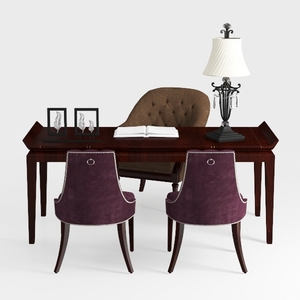
COLAMY Upholstered Parsons Dining Chairs Set of 4
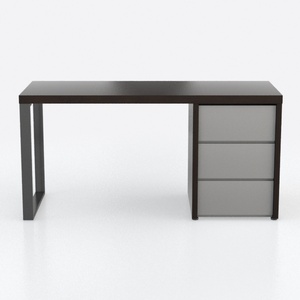
Furniture of America Collin Modern 3-Drawer and 2
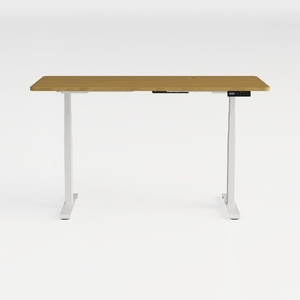
Simple Deluxe Electric Standing Desk, Adjustable
Discover Homestyler, the ultimate online home design platform! With its user-friendly design tool and stunning 3D renderings, you can easily create the perfect space. Explore countless design projects and learn from engaging DIY video tutorials to inspire your next decor adventure. Start designing today!
Дизайн сейчас бесплатно
































