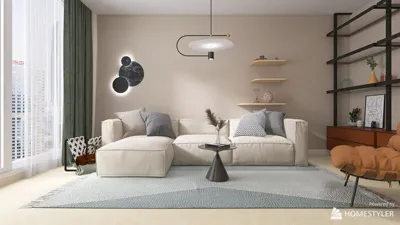


Adding color to your 3D STL models introduces an exciting dimension to your designs. Whether you're preparing for a print showcase or crafting a virtual display, the right colors can significantly enhance the final product. So, how can you effectively color your STL models?
1. **Choose the Right Software**: There are numerous software options available for coloring STL files, including Homestyler, Blender, Unity, and ZBrush. Each program comes with its unique features, catering to users of varying skill levels.
2. **Import Your Model**: First, import your STL model into your chosen software. This is usually accomplished through a straightforward import button found in the main menu of the program.
Understanding Texture and Color Mapping
3. **Material Properties**: Once your model is imported, delve into the material properties settings. Here, you can assign different materials and adjust properties such as color, reflectivity, and transparency.
4. **Color Mapping**: Apply color mapping to specific areas of the model. UV mapping allows you to paint textures directly on the model's surface, ensuring a more realistic appearance.
Applying Colors and Textures
5. **Use Texture Painting**: In software like Blender, take advantage of the texture painting feature to paint directly on the 3D model. This method allows for precise control over color application and enables intricate texture effects.
6. **Export Your Model**: After coloring, export your model into a format that supports color and texture, such as OBJ or PLY, since STL formats do not accommodate any color data.
Final Adjustments
7. **Preview and Print**: Always preview your model to see how the colors will appear in the final display or 3D printing process. Make adjustments as necessary before finalizing your design.
FAQ
Q: Can STL files save color information? A: No, STL files do not support color information. You will need to export your model in a format that accommodates color.
Q: What is the best software for beginners? A: Homestyler is highly recommended for beginners due to its robust features and extensive online tutorials.


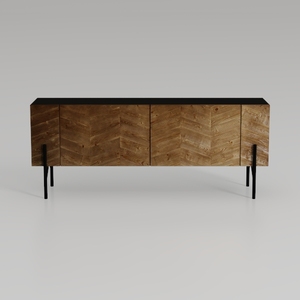
Homestyler is your go-to online home design platform! With its user-friendly design tool, stunning 3D rendering capabilities, and a wealth of DIY video tutorials, you can easily create and visualize your dream space. Transform your home today with Homestyler—design made simple!
Дизайн сейчас бесплатно
































