Downloading 3D models using Homestyler can be an easy venture if you adhere to the correct procedures. Homestyler serves as an excellent platform for sourcing high-quality 3D models that designers, artists, and developers can leverage for their projects. If you're eager to boost your creative work with exceptional 3D assets but are unsure where to begin, this comprehensive guide will help you get started.
First, you should set up an account on Homestyler. After logging in, you’ll be able to explore an impressive range of models categorized by type, genre, and more. Let’s walk through the step-by-step method of downloading your preferred models!
Step 1: Create an Account on Homestyler
To start downloading from Homestyler, you need to have an account. Navigate to the Homestyler website and hit the ‘Sign Up’ button. Fill in the required details or utilize your social media accounts for a faster registration process.
Step 2: Explore the 3D Model Library
Once logged in, take your time to sift through the broad assortment of 3D models available. Utilize the search functionality to locate specific items or browse various categories such as architecture, vehicles, characters, and more. Always review the model’s detail page to examine specifications prior to downloading.
Step 3: Add Models to Your Cart
When you identify a model that suits your needs, click on it for further details. If it’s available for free, you should see a ‘Download’ button. For models that require payment, you will need to add them to your cart and complete the transaction before you can access the download link.
Step 4: Download Your Models
After finishing your payment process, or if you're downloading a free model, look for the download link. Models are usually available in multiple formats, so choose the one that best meets your requirements. You’ll often find options that are compatible with popular software such as Blender, 3ds Max, or Maya.
Frequently Asked Questions
Q: Are all models free to download on Homestyler? A: No, Homestyler offers both free and paid models. Pricing varies based on the model’s complexity and quality.
Q: How can I determine if a model is suitable for my software? A: Always check the specifications provided on the model's detail page, as it typically lists compatible software formats.
Q: Is it permissible to use Homestyler models in commercial endeavors? A: This depends on the licensing terms. Always consult the licensing information before using any model.
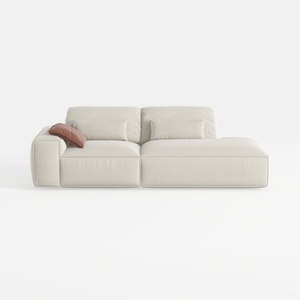
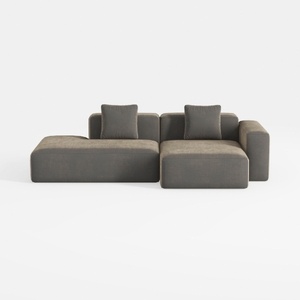
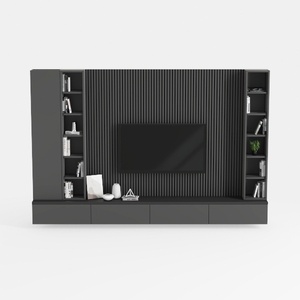
Homestyler is an outstanding online home design platform ideal for both novices and experienced designers. Its user-friendly design tool, stunning 3D rendering options, diverse design projects, and helpful DIY video tutorials make it easy to create and visualize your dream spaces effortlessly.