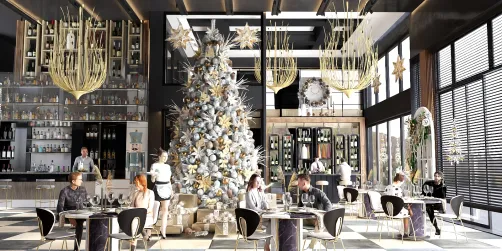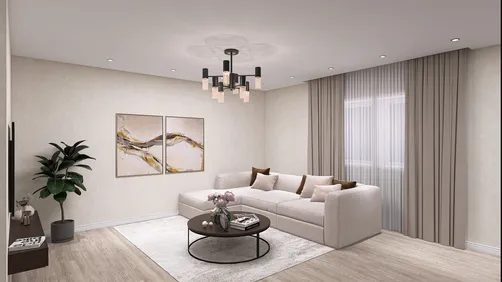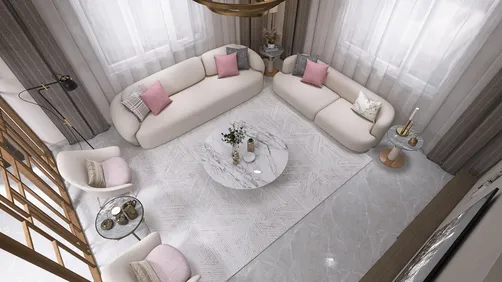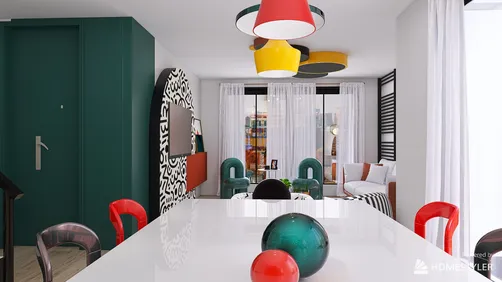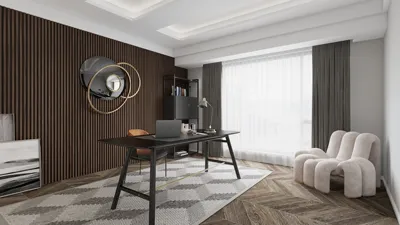
Are you eager to elevate your interior rendering abilities using 3ds Max? The 2017 edition of 3ds Max is equipped with robust features that facilitate the creation of impressive visualizations. In this comprehensive guide, we will take you through the necessary steps to configure your interior render effectively while incorporating tools like Homestyler to streamline the process.
Getting Started with 3ds Max
Before you jump into setting up your render, make sure you have the following essentials:
Setting Up Your Scene
1. **Designing Your Interior Layout**: Begin by creating the room layout with walls, floors, and ceilings. Leverage the modeling capabilities in 3ds Max to establish the foundational structure of your interior space.
2. **Integrating Furnishings**: Bring in or create models of your furniture and decor pieces. It's important to maintain proper scale and proportions to achieve a lifelike representation.
3. **Establishing Lighting**: Effective lighting is essential for realism. Utilize various types of light sources like Omni, Spot, and Area lights to brighten your interior. Try varying brightness levels and color temperatures for optimal results.
Rendering Settings
1. **Selecting the Appropriate Renderer**: The 2017 version of 3ds Max accommodates several rendering engines. For superior output quality, you might want to use Mental Ray or V-Ray, provided you have them configured.
2. **Tuning Your Render Settings**: Access the Render Setup dialog to modify the following options:
3. **Conducting Test Renders**: Prior to finalizing your render, perform test renders at reduced quality. This will help you assess the lighting and material effectiveness before the major output.
Final Render and Post-Processing
After ensuring that your scene and settings meet your expectations, you can proceed with rendering. Once complete, consider utilizing post-processing tools like Adobe Photoshop to enhance your final images for an even more professional touch.
Conclusion
By following these setup guidelines, you are well on your way to producing remarkable interior renders using 3ds Max 2017. Continuous practice, along with the innovative features of Homestyler, will help you refine your skills!
FAQ
Q: Which rendering engine is the best choice for 3ds Max 2017? A: V-Ray is often hailed as the top choice for high-quality outputs, whereas Mental Ray remains a reliable option for interior renders as well.
Q: Is it possible to download extra materials for 3ds Max? A: Yes, numerous online platforms provide access to both free and premium textures and materials that can enhance your projects.
Welcome to the leading Home Design Software.