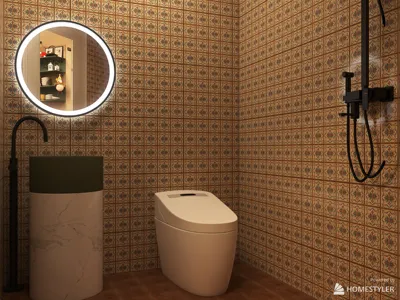
Are you eager to elevate your architectural designs with captivating visuals? The Homestyler platform can significantly enhance your project presentations. However, obtaining free rendering tools can sometimes prove difficult. In this guide, we will explore how to leverage rendering options similar to those offered by Revit 2018, all while keeping your expenses in check.
Understanding the Render Capabilities Similar to Revit 2018
The rendering tools available through Homestyler allow users to produce photorealistic images from their design models. This functionality is vital for architects and designers seeking to present their concepts effectively. While software like Autodesk may not usually provide free versions, there are reputable avenues to access comparable features.
How to Utilize Rendering Features with Homestyler
Follow these simple steps to take advantage of the rendering functionalities:
Alternatives to Autodesk Revit 2018
If you find it challenging to access Revit 2018, you might want to explore these alternatives:
Final Thoughts
Although a free version of the Autodesk Revit 2018 render engine may not be easily obtainable, utilizing trials, educational tools, and platforms like Homestyler can provide effective solutions to enhance your architectural design workflow. Don't let financial limitations stifle your creativity!
Frequently Asked Questions
Q: Can I use the rendering features for commercial projects? A: Generally, trial versions impose restrictions on commercial use. Be sure to review the licensing agreements for details.
Q: Are there rendering alternatives available? A: Absolutely! Extensions such as Enscape and V-Ray are well-liked options that can greatly enhance rendering capabilities.
welcome to Use No.1 Home Design Software








































