
Crafting a 3D fish model is a fulfilling endeavor that blends creativity with technical ability. Whether your goal is to create a lifelike representation or a whimsical cartoon variant, the essential process entails gathering references, creating a mesh, detailing it, texturing, and finally rendering the model. Begin by collecting high-quality reference images from various angles, including side, top, and preferably frontal views. These images will assist you in maintaining correct proportions and fin placement. Once you have your references, import them into your preferred 3D software—such as Blender, Maya, or 3ds Max. Start sculpting the fundamental shape of the fish using box modeling techniques or by manipulating a basic form like a cylinder. Next, extrude the geometry to define the tail, fins, and mouth. With sculpting tools, refine the body contours, add gills, and incorporate fine muscular nuances. UV unwrap your model to ensure accurate texturing, then apply vibrant colors and fish scale patterns. For added realism, incorporate glossy shaders for the eyes. Conclude the process by illuminating the scene and producing your final images or animations. Utilizing tools like Homestyler can significantly enhance your design projects, offering improved visualization and creative possibilities.
Tips 1:
As a design professional, I frequently turn to a 3D Floor Planner—not just for architectural tasks, but also for swiftly arranging complex forms and exploring spatial designs. This method proves invaluable when working with natural shapes such as a fish, expediting both the prototyping and conceptual phases, especially beneficial for novices in the field.
FAQ
Q: What software is the best choice for 3D fish modeling?
A: Popular options encompass Blender (which is free and highly versatile), Autodesk Maya, and 3ds Max. Blender stands out as a prime recommendation for both newcomers and seasoned artists, thanks to its user-friendly interface and robust sculpting capabilities.
Q: Is sculpting essential when modeling a fish?
A: While foundational sculpting skills can help in adding intricate features like scales and fins, it's entirely possible to achieve appealing results through straightforward mesh modeling and texture application alone.
Q: How can I texture my 3D fish model effectively?
A: Start by unwrapping the model’s UVs, and then paint your textures using software such as Photoshop, Substance Painter, or directly in Blender. To ensure realistic detailing, utilize high-resolution references of fish skin.
Q: Am I able to animate my 3D fish model?
A: Absolutely! You can rig your model with an armature (skeleton), and then employ keyframes or motion paths to animate swimming, fin movements, or eye actions.
Q: What common mistakes should I avoid in fish modeling?
A: Typical errors include overcomplicating the base geometry, disregarding reference images, and misjudging proportions. Always start with a simple shape and progressively enhance it with details.
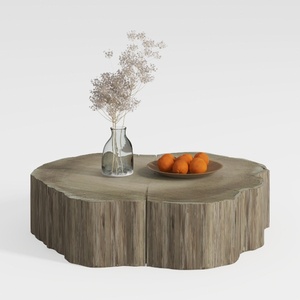

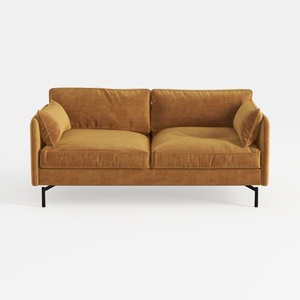
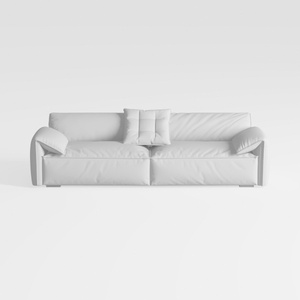
If you're looking to transform your home with ease, try Homestyler! This online design platform offers an intuitive design tool, stunning 3D renderings, and a wealth of DIY video tutorials. Unleash your creativity and design your dream space effortlessly!























































