Living Room Design
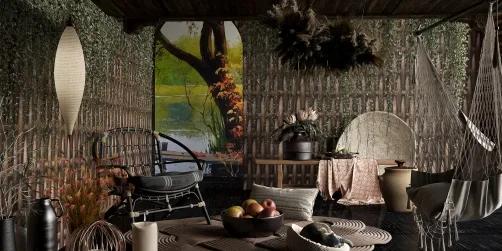
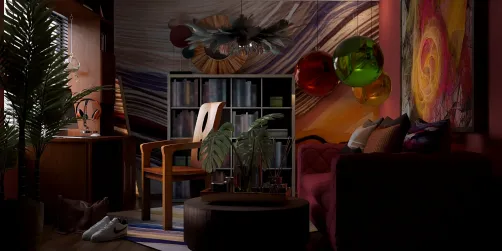
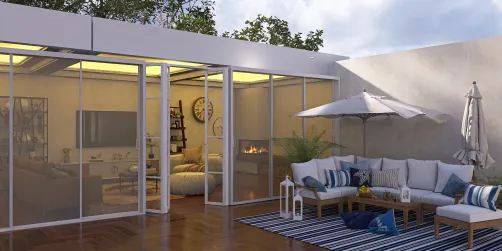
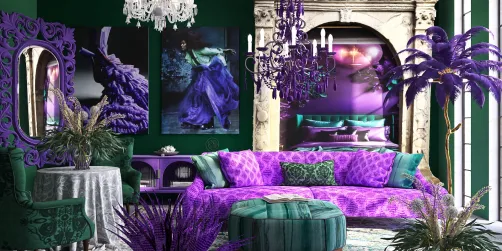
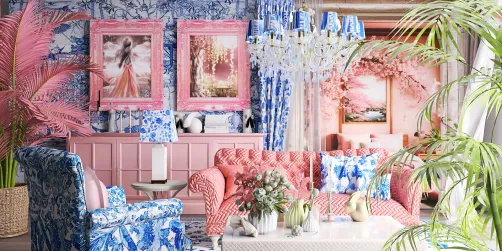
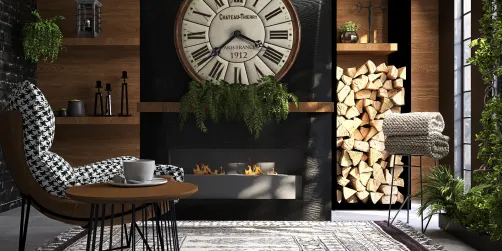
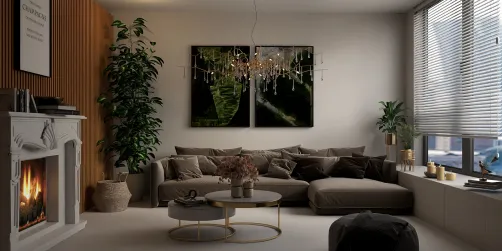
The 'Living Room Design' scenario refers to creating a functional, aesthetically cohesive, and emotionally resonant living space using precisely 20 model elements — a constraint that emphasizes intentionality in indoor spatial planning. As showcased in the 20-Model Design Challenge, top entries feature diverse living room typologies — from cozy apartment lounges and modern farmhouse parlors to tropical-inspired retreats and contemporary office lounges — all unified by thoughtful composition, balanced scale, and strategic use of light, texture, and focal points. This challenge highlights how disciplined model limitation fosters creativity in interior layout optimization and visual storytelling within confined digital design environments.
Design Challenges & Common Pitfalls
Designing a compelling living room under the strict 20-model limit presents several recurring challenges: overcrowding or under-furnishing due to misjudged element allocation; poor spatial hierarchy (e.g., no clear focal point or visual flow); inconsistent style cohesion when mixing textures, eras, or color palettes; and inadequate attention to human-centered functionality — such as seating ergonomics, circulation paths, or natural light integration. Many entrants also struggle with balancing realism and artistic expression within Homestyler’s AI-driven rendering constraints, especially when simulating depth, material fidelity, and ambient atmosphere with minimal assets.
✅ Prioritize Spatial Hierarchy & Focal Anchors
Every successful living room begins with a strong visual anchor — be it a statement sofa, fireplace, artwork wall, or window vista — around which all other elements are arranged to support sightlines, movement, and emotional resonance. Avoid scattering models evenly; instead, cluster key pieces (e.g., sofa + coffee table + rug + pendant) to define zones, while leaving intentional negative space to enhance perceived volume and calm. This principle directly supports effective indoor spatial planning by reinforcing purpose-driven zoning without physical walls.

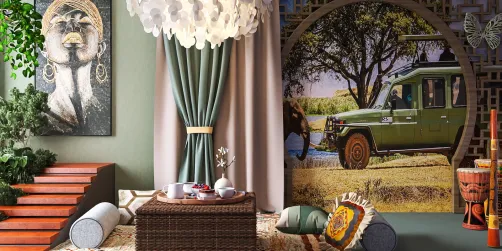
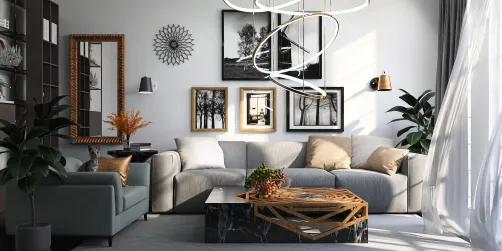
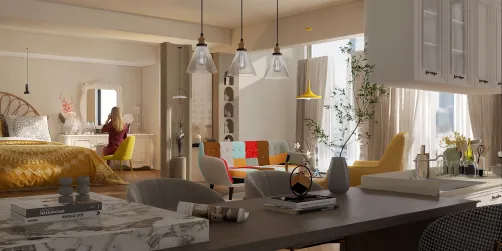
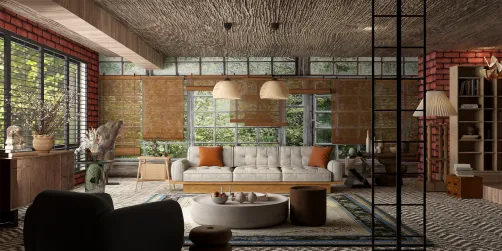
Designer Em Leech uses a bold Bohemian-style rug and centered chandelier to establish immediate visual gravity in this apartment living room. With only 18 models, she reserves critical assets for hierarchy-defining elements — the staircase draws the eye upward, the large window anchors natural light, and layered textiles (carpet + cushions + hanging plants) create warmth without clutter. Her Homestyler design technique demonstrates how selective asset investment — guided by spatial hierarchy logic — yields rich atmosphere despite model scarcity.
Start Free Design✅ Curate Multifunctional & Stylistically Unified Elements
Each of the 20 models must pull double (or triple) duty: a bookshelf doubles as display surface and room divider; a console table serves as entryway organizer and art plinth; a single large plant adds biophilic texture, vertical rhythm, and air purification symbolism. Style unity is achieved not through repetition, but through consistent material language (e.g., warm wood tones + linen + matte black metal) and restrained color palette (max 3–4 dominant hues). This aligns with advanced Homestyler design techniques where semantic tagging and smart grouping streamline iteration across variants.

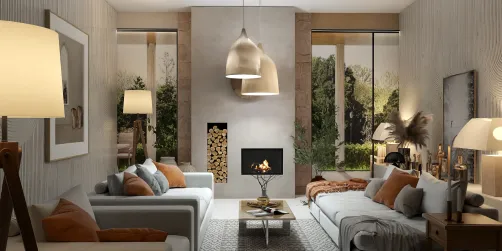
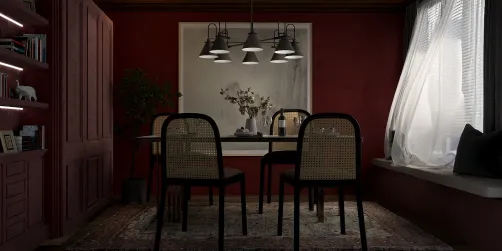
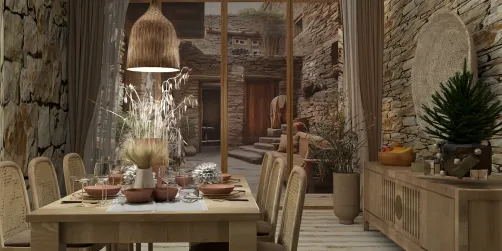
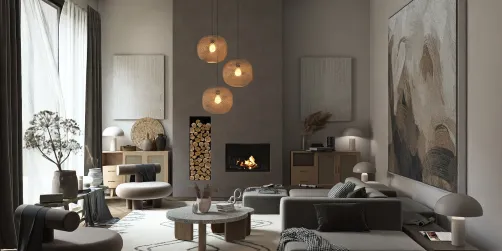
Jennifer Cole’s modern farmhouse living room exemplifies multifunctional curation: the open bookcase visually separates living and entry zones while showcasing decor and books; the woven carpet grounds the seating group and softens acoustics; and dual-purpose ornaments (vases, ceramic bowls) add sculptural interest without redundant forms. Using exactly 20 models, she maintains stylistic continuity via repeated natural materials and neutral tonal harmony — a hallmark of professional indoor spatial planning executed efficiently in Homestyler.
Begin Free Design✅ Optimize Light, Scale & Human-Centered Flow
Natural light modeling is non-negotiable: position key furniture relative to windows to maximize daylight penetration and avoid glare. Scale discipline ensures every piece feels proportionate — e.g., a low-profile sofa prevents ceiling compression in modest rooms; slender-legged tables preserve sightlines. Crucially, simulate human movement: ensure ≥90 cm clear pathways between furniture, and place key interaction zones (e.g., sofa-to-coffee-table distance: 40–45 cm) per ergonomic standards. These decisions transform static renders into believable, livable spaces — core to Homestyler design skills for realistic visualization.

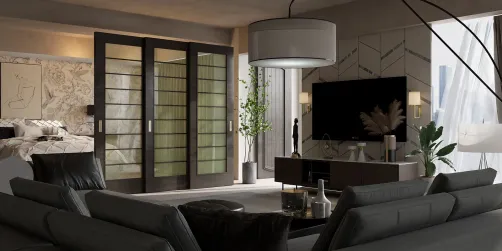
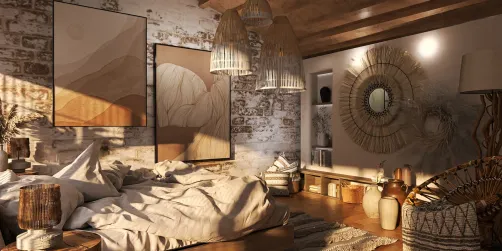
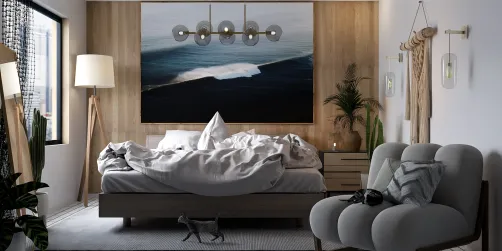
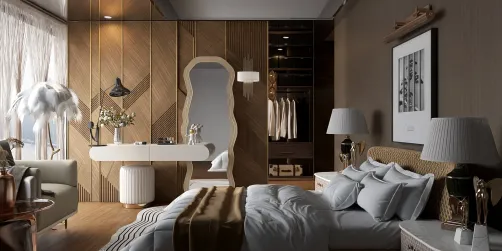
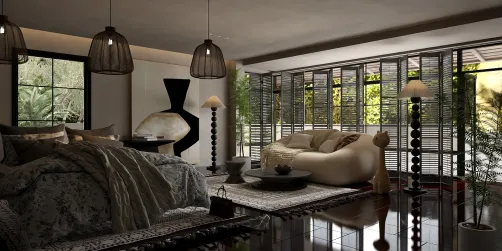
Though technically a bedroom scene, Adelina madee’s award-contending entry reveals masterful light-and-scale thinking transferable to living rooms: large windows flood the space with even daylight, while the low-profile bed and floating nightstand maintain airy vertical proportions. Her precise placement of a single sculptural table lamp beside the bed mirrors ideal living room task lighting logic — proving that human-centered flow principles transcend room types. She leverages Homestyler’s real-time lighting simulation to validate shadow patterns and material reflectivity before finalizing her 17-model layout.
Launch Free DesignFAQ
Q: How does the 20-model limit improve my interior design process?
It forces decisive prioritization — helping you identify truly essential furnishings, eliminate visual noise, and deepen focus on spatial relationships, proportion, and narrative intent. This constraint sharpens indoor spatial planning instincts and accelerates mastery of Homestyler design techniques.
Q: Can I reuse models across different rooms in the same project?
No — the 20-model rule applies per room. Each living room submission must contain exactly 20 unique model instances (not types), making asset selection and placement even more strategic.
Q: Do lighting and window models count toward the 20-model total?
Yes. Every placed object — including windows, lamps, pendants, sconces, and even decorative mirrors — consumes one of your 20 slots. Smart lighting choices (e.g., a single statement chandelier vs. multiple recessed lights) are therefore vital.
Q: What Homestyler tools best support 20-model living room planning?
Use the ‘Smart Group’ function to bundle related items (e.g., sofa + throw pillows + side table) for rapid iteration; leverage ‘Style Match’ to auto-suggest cohesive assets within your remaining count; and apply ‘Sun Study’ mode to test natural light behavior before locking down window-facing layouts.
What began as an Autodesk innovation has evolved into a design platform used by more than 18 million people around the globe. Homestyler combines powerful rendering, an intuitive editor, and a vast furniture library to help you turn inspiration into photorealistic designs — whether you're redesigning a single room or planning an entire home.
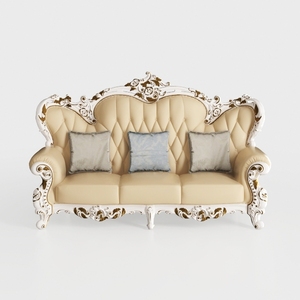
Baroque Luxury Leather Tufted Three Seat Sofa 3D Model

Minimalist Solid Oak Fluted TV Stand with Black Metal Legs 3D Model
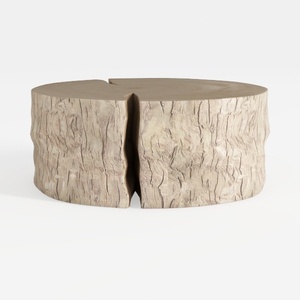
Rustic Solid Wood Split Log Coffee Table 3D Model
Homestyler is an easy-to-use online home design platform that lets you create stunning 3D renderings, explore inspiring design projects, and learn through helpful DIY video tutorials—perfect for bringing your interior design ideas to life with confidence.
Дизайн сейчас бесплатно