Living Room Design
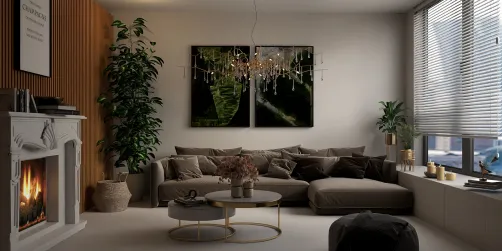
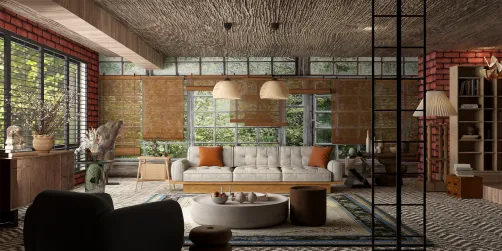
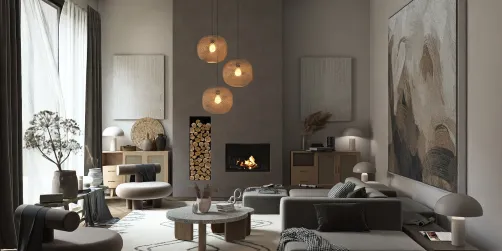
The living room is the heart of residential interior design — a multifunctional space for relaxation, socializing, and personal expression. In the 20-Model Design Challenge, top entries consistently transformed modest footprints into warm, layered, and highly intentional living environments — emphasizing harmony between furniture layout, lighting strategy, and decorative storytelling — all within the strict constraint of exactly 20 model elements. This reflects a broader trend in modern interior space planning: prioritizing quality over quantity, where every object must serve both aesthetic and functional purpose.
Design Challenges & Common Pitfalls
Designers frequently struggle with spatial hierarchy, visual clutter, and scale misalignment when limited to only 20 models. Common issues include overcrowding focal zones (e.g., stacking too many decor items near the sofa), neglecting vertical layering (missing wall-mounted or suspended elements), and underutilizing negative space — resulting in flat, static compositions. Additionally, balancing natural light integration (windows, daylight simulation) with artificial lighting placement remains a persistent challenge in AI-assisted interior space planning.
✅ Prioritize Functional Zoning
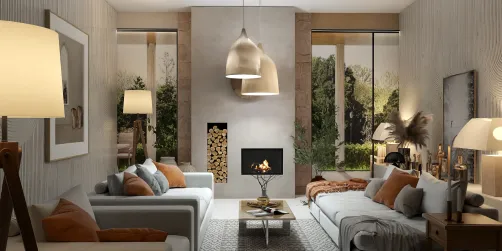
Divide the living room into intuitive activity zones — conversation, media, reading, or display — using only 3–4 anchor pieces per zone (e.g., sofa + coffee table + floor lamp + rug). Avoid filler objects; instead, let each model reinforce spatial intent. Homestyler’s zone-based drag-and-drop interface helps visualize traffic flow and maintain clear circulation paths — critical for effective indoor space planning.

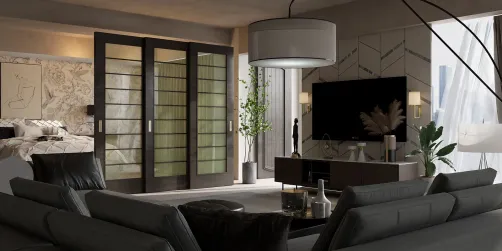
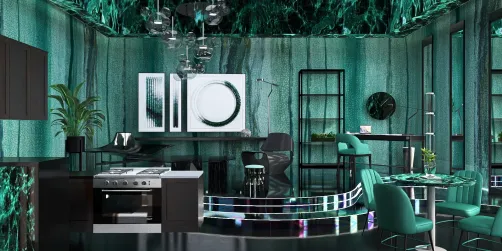
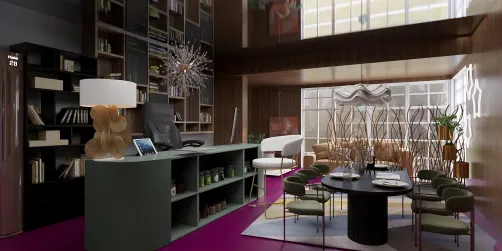
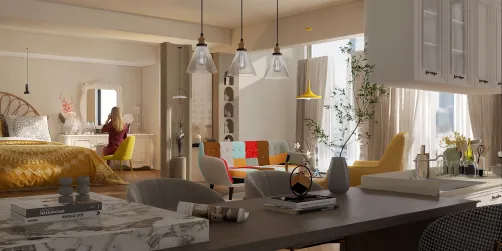
Keila Jensen’s 'Green' design exemplifies functional zoning: she uses the desk and oven to subtly define a hybrid work-dining zone adjacent to a lounge area anchored by the sofa and pendant light. With Homestyler AI design tools, she optimized model count by selecting multi-role pieces (e.g., a dining table that also serves as a surface for display and work), staying precisely at 20 models while maximizing spatial clarity.
Start Designing Now✅ Leverage Vertical & Textural Layers
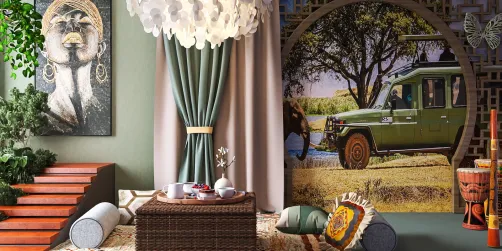
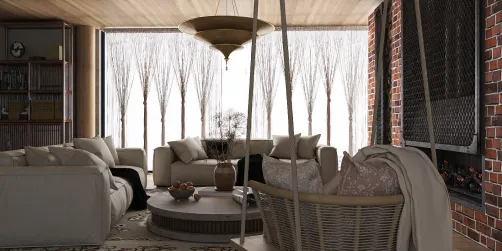
Go beyond the floor plane — incorporate wall-mounted shelves, tall potted plants, floating artwork, or ceiling fixtures to add depth and rhythm. Texture contrast (e.g., woven basket vs. smooth ceramic vase vs. linen cushion) adds richness without increasing model count. This principle supports intelligent indoor space planning by guiding the eye upward and preventing visual fatigue in compact layouts.

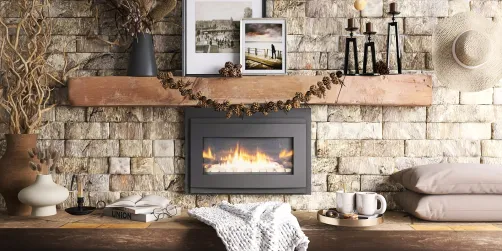
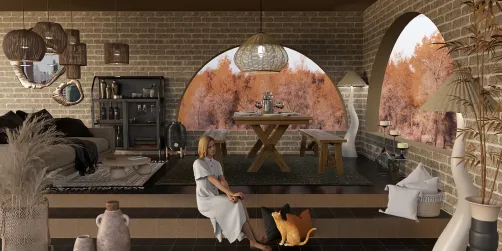
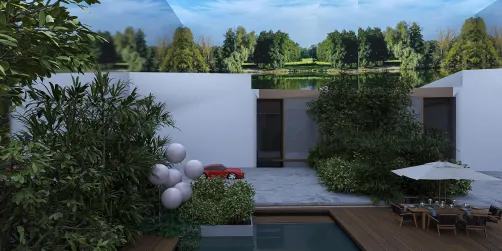
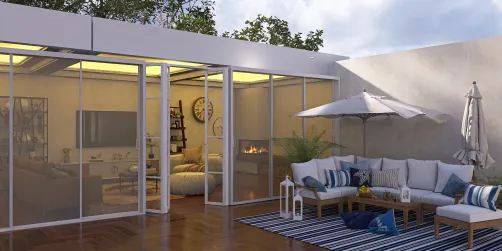
Marianna Shcherbakova’s festive courtyard-living fusion uses vertical layers masterfully: the Christmas tree and hanging wreaths draw attention upward, while layered textiles (woven rug, draped throws) and varied plant heights create tactile interest. Using Homestyler AI design tools, she grouped related textures and heights under unified lighting conditions — achieving warmth and dimensionality with zero wasted models.
Create Your Cozy Space✅ Curate with Narrative Intent
Every object should contribute to a cohesive story — whether it’s ‘modern farmhouse calm’, ‘tech-integrated serenity’, or ‘biophilic retreat’. Select models not just for form, but for semantic resonance: a vintage clock implies heritage; a sculptural lamp signals artistry; a single large artwork conveys confidence. This narrative curation is central to advanced Homestyler design tips — turning constraint into creative catalyst.

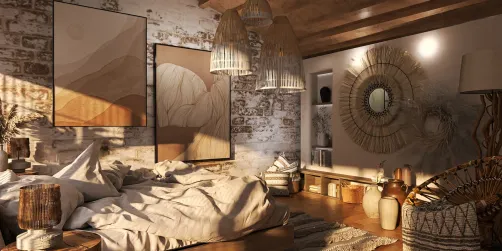
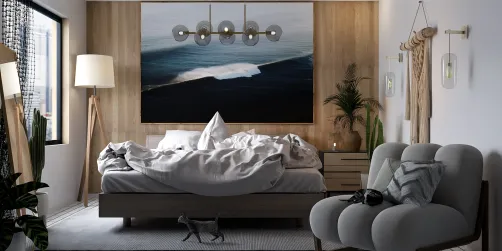
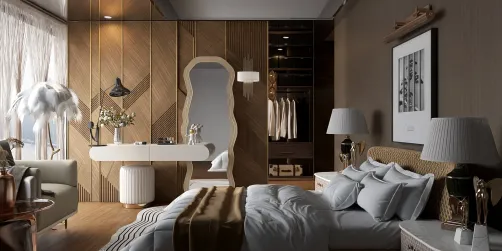
MF N’s ‘design-ideas’ bedroom tells a quiet, masculine narrative through restrained elegance: the low-profile bed, monochrome artwork, focused task lighting, and absence of ornamental clutter. With Homestyler AI design tools, he assigned mood tags (e.g., ‘evening’, ‘minimalist’, ‘residential’) to auto-filter compatible models — ensuring all 20 selections reinforced the same emotional tone, a hallmark of professional interior space planning.
Begin Your Stylish RoomFAQ
Q: How does the 20-model limit improve interior space planning?
It forces intentionality — designers must evaluate each item’s spatial impact, dual functionality, and visual weight. This cultivates disciplined Homestyler design tips like strategic negative space use and zone anchoring.
Q: Can I reuse models across different rooms in Homestyler?
Yes — Homestyler’s library allows cross-room reuse, but the 20-model rule applies per room. Smart reuse (e.g., same pendant light in living and dining zones) supports cohesive interior space planning without violating contest constraints.
Q: What’s the most common mistake in the 20-Model Design Challenge?
Overloading the primary focal point (e.g., crowding the sofa wall with 6 decor items) while neglecting secondary layers (floor, ceiling, vertical surfaces). Top winners balance all three planes with equal narrative care.
Q: How do top designers use Homestyler AI tools to stay at exactly 20 models?
They leverage the ‘Model Counter’ sidebar in real time, group similar items (e.g., ‘greenery pack’), and use AI suggestions filtered by tag (e.g., ‘modern farmhouse’, ‘daylight’) to avoid trial-and-error bloat — a core Homestyler design technique for efficient interior space planning.
What began as an Autodesk innovation has evolved into a design platform used by more than 18 million people around the globe. Homestyler combines powerful rendering, an intuitive editor, and a vast furniture library to help you turn inspiration into photorealistic designs — whether you're redesigning a single room or planning an entire home.
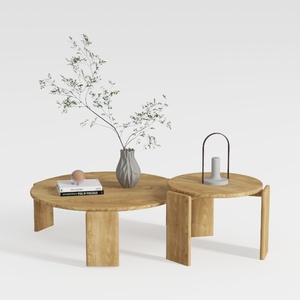
Minimalist Solid Wood Round Nesting Coffee Tables 3D Model
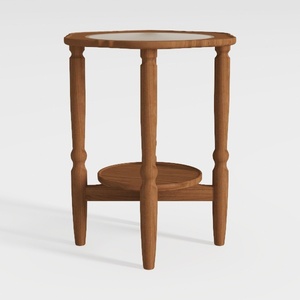

Minimalist Solid Wood Marble Top Round Side Table 3D Model
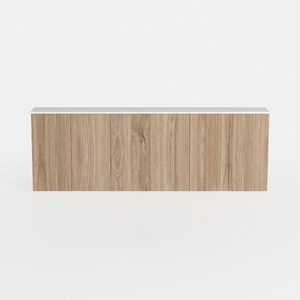
Minimalist Solid Oak Wood Wall Mounted Cabinet 3D Model
Homestyler is an easy-to-use online home design platform that offers powerful 3D rendering, inspiring design projects, and helpful DIY video tutorials. It’s perfect for anyone looking to create and visualize beautiful interiors effortlessly.
Дизайн сейчас бесплатно