Play with stained glass effect
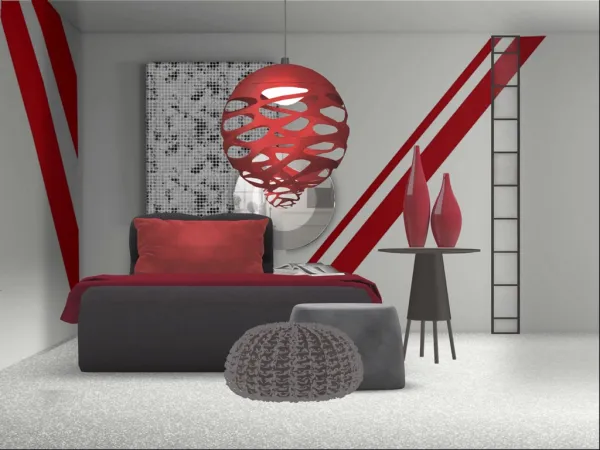
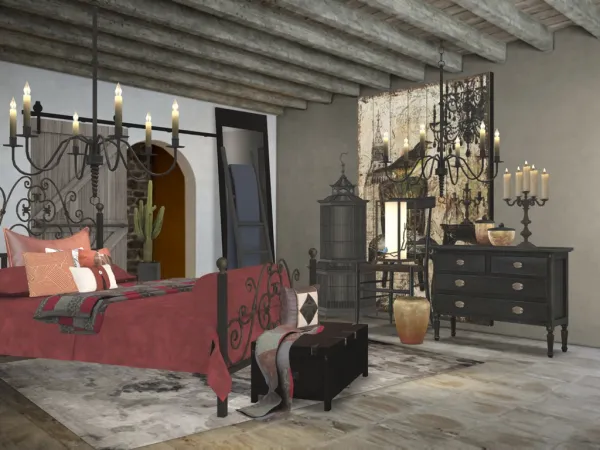
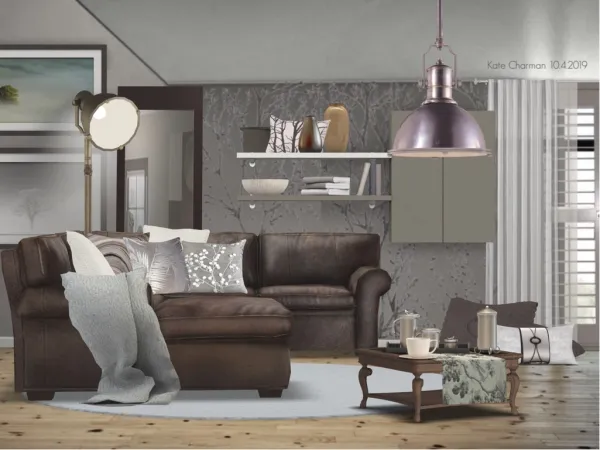
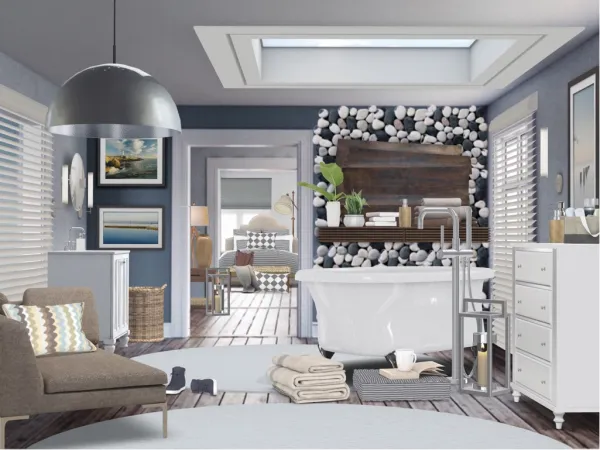
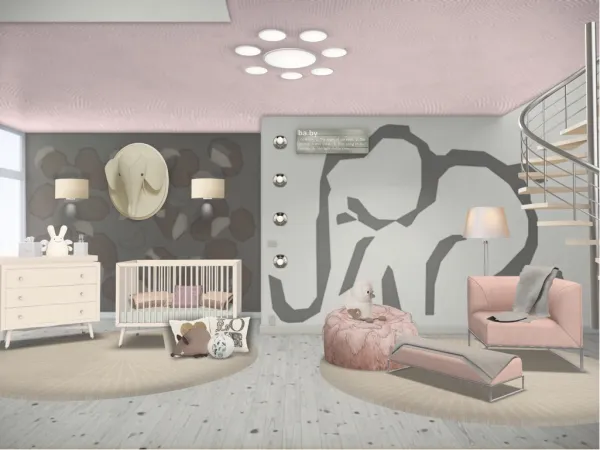
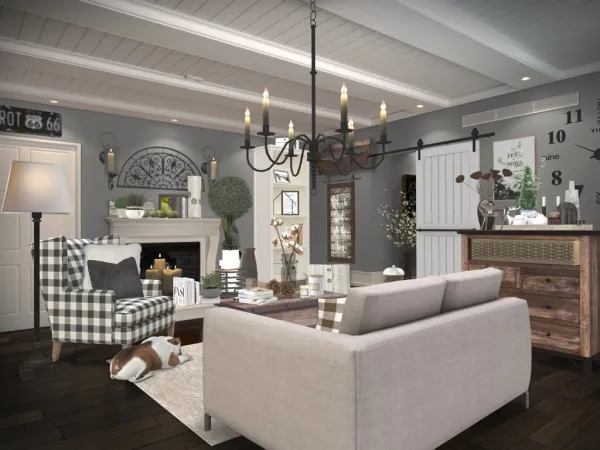
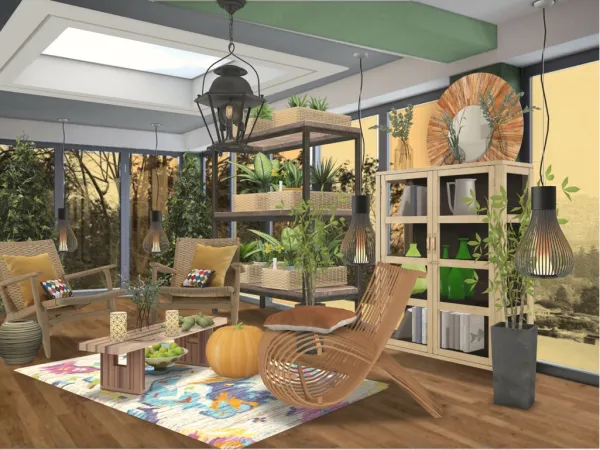
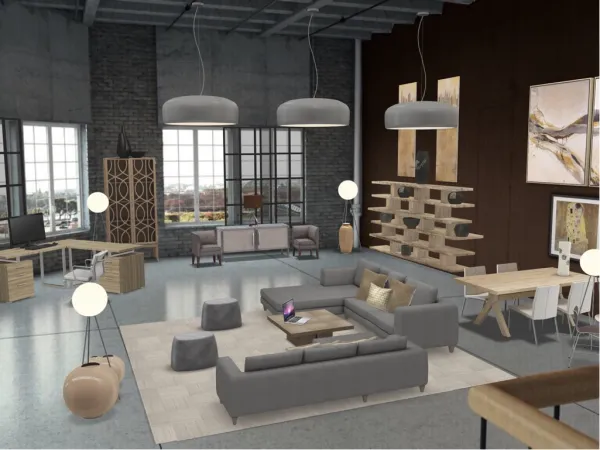
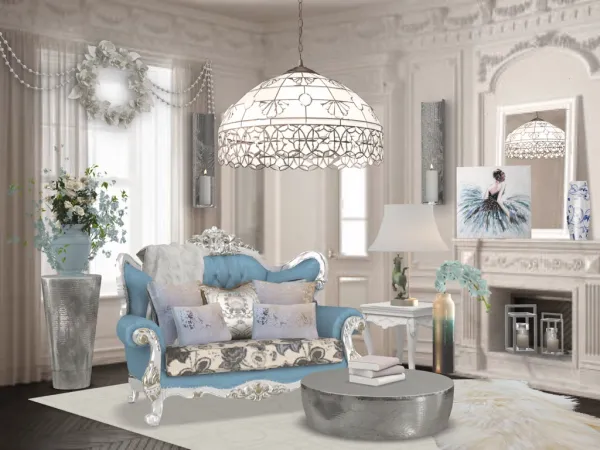
If you want to create this effect it is really simple. Go into the paint tool, choose a colour and apply to area as shown. Use the blend tool, minimise the bar and it creates a transparent look, then tidy using the remove tool. If you want to use multi colours you will need to tidy, save and come out of paint after applying each colour. *Please note it doesn’t work in all templates, so you may have to have a hunt through them to try what ones work*
If you want to create this effect it is really simple. Go into the paint tool, choose a colour and apply to area as shown. Use the blend tool, minimise the bar and it creates a transparent look, then tidy using the remove tool. If you want to use multi colours you will need to tidy, save and come out of paint after applying each colour. *Please note it doesn’t work in all templates, so you may have to have a hunt through them to try what ones work*
Больше дизайнов от Kate Charman
Смотреть больше